

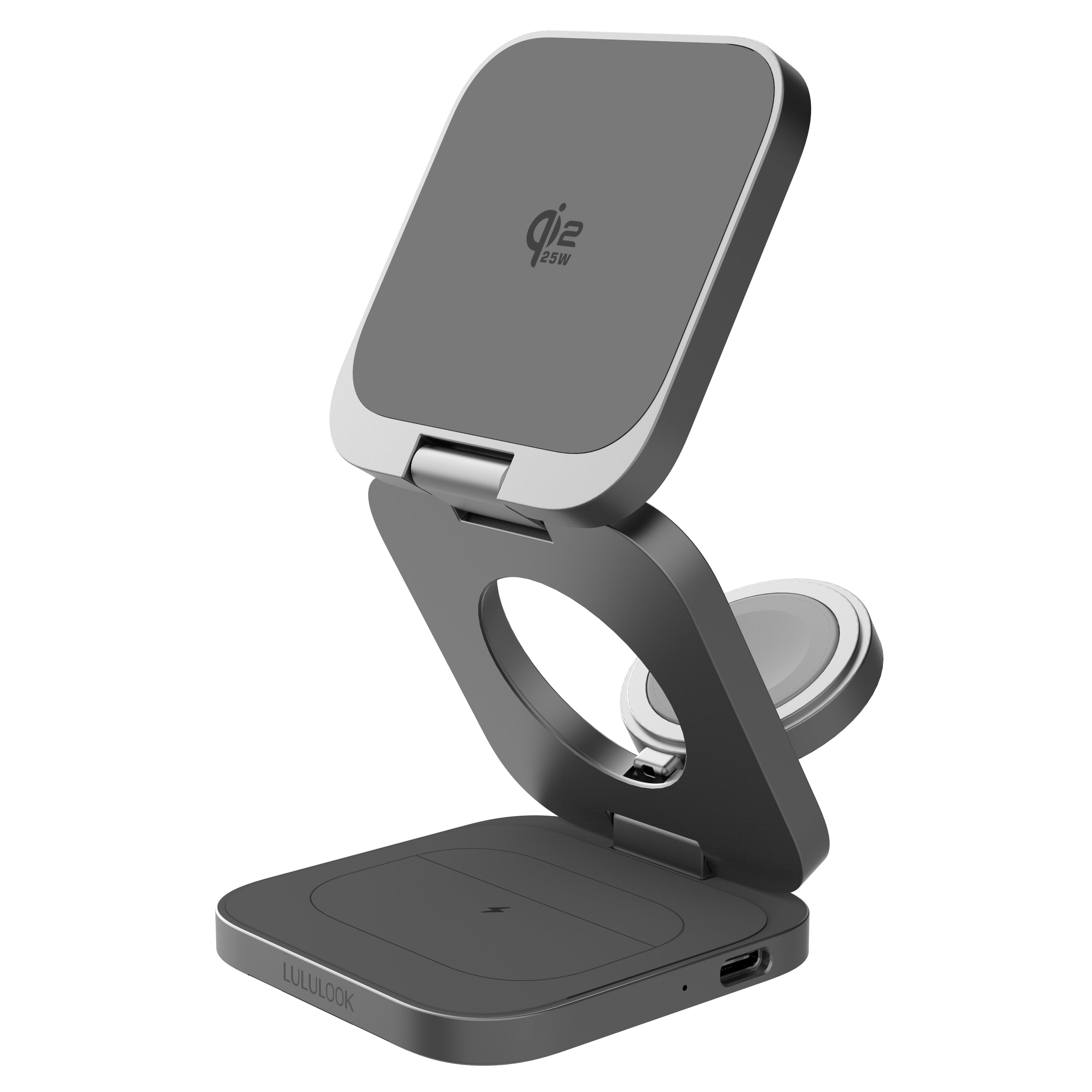
How to disable LULULOOK AirCard Pro
1. Locate the ON/OFF button on the LULULOOK AirCard Pro.
2. Quickly press the button five times within 2 seconds.
3. A confirmation beep will sound and the light will blink three times.
How to enable identification:
1. Locate the ON/OFF button on the LULULOOK AirCard Pro.
2. Quickly press the button six times within 2 seconds. Six confirmation beeps will sound and the light will blink six times.